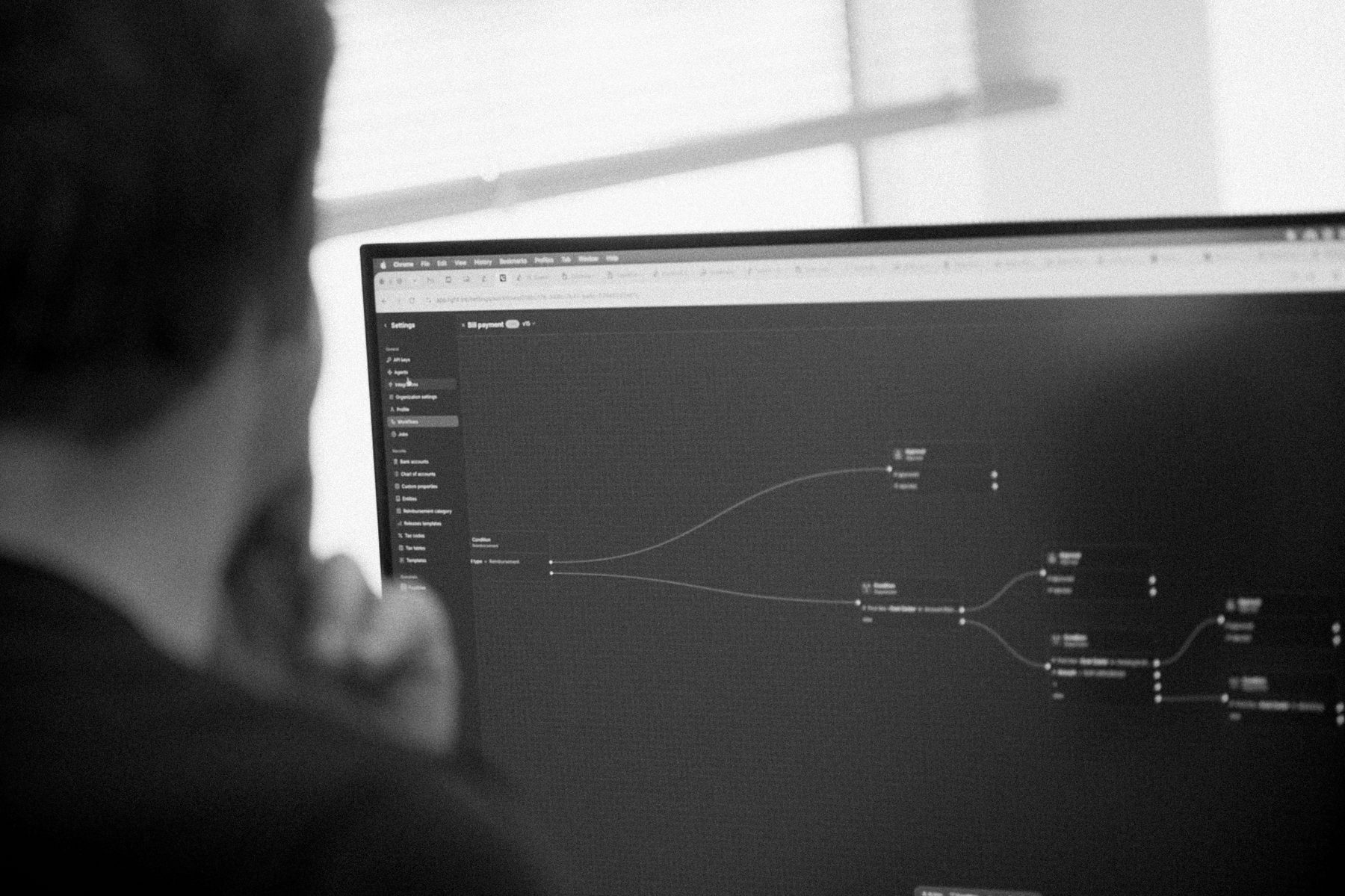
A bill can arrive in seconds and still spend days waiting for someone to confirm who should approve it. Automating data entry won't resolve that delay if the next step remains unclear.
Good accounting workflow automation carries work through the hand-offs as well. Choose a recurring process, follow it from the source document to the ledger, and establish who handles the cases that need attention before you automate it.
Which task should you automate first?
Choose a process with a clear input, repeatable decisions and an outcome you can check. Invoice capture, recurring approval routing and payment matching often fit that description.
Write down each point where someone touches the transaction. Moving an amount from a PDF into a system differs from deciding which entity owes it or whether an exception needs approval. That distinction helps define what the first version should do.
An invoice pilot might automate capture and propose coding while leaving approval with the budget owner. Expand the scope after reviewing the result. If two accountants disagree about who should approve a charge, resolve that question before encoding a rule.
What does a complete workflow need?
| Element | Question to answer | Supplier-invoice example |
|---|---|---|
| Trigger | What starts the work? | A new supplier invoice arrives |
| Information | What must be available? | Supplier, entity, amount and source document |
| Rules | What decides the next action? | Entity, value and cost-centre approval rules |
| Owner | Who handles a decision or failure? | Budget owner, with a delegated approver |
| Evidence | What will someone need to review? | Source, coding changes and approval history |
| Completion | Which outcome counts as finished? | Approved and posted, with payment tracked separately |
Avoid using “processed” for several different states. A document can pass validation and still need approval. An approved bill can still await payment. Clear states help the team see where the work is waiting.
How would an invoice approval workflow run?
Consider this illustrative sequence:
- Record the incoming document and check for duplicates.
- Identify the legal entity, supplier and required coding.
- Select the budget owner using the entity, amount and cost centre.
- Send a mismatch or missing field to a named reviewer.
- Record the approval and release only the next permitted action.
Payment authority remains a separate decision. Permission to approve a cost does not necessarily include permission to release money from the bank.
Light's accounting workflows support routing conditions such as amount, vendor, cost centre and entity. The accounts payable automation guide follows the supplier process through payment and reconciliation.
What should happen when the normal route fails?
A missing purchase order needs a different response from an unavailable approver. The first may need a policy decision; the second may need delegation to someone with the right limit. Give each exception an owner and a deadline.
Test a duplicate document, a stopped bank feed and an integration retry. Receiving the same event twice should not create two bills or payments. Ask how the team stops a workflow, inspects its history and resumes it without repeating completed actions.
Use awkward cases from a recent month rather than a pilot containing only clean documents. Watch where each task lands and whether the reviewer receives enough information to decide. The internal controls guide helps define the access and evidence required before expanding the system's authority.
How should you measure the result?
Measure the complete job. Saving five minutes of entry while adding six minutes of checking has moved the work.
Record active handling time, elapsed time, correction rates, exception age and maintenance effort before the pilot. Repeat the measurement on a comparable batch afterwards. A two-minute approval can still sit in an inbox for four days, so handling time alone will miss an important delay.
Review by entity or process owner where the volumes justify it. Keep a change log for thresholds and approval routes, including how the team tested each change. Once the first workflow behaves reliably, use the same method on the next bottleneck.
When should you reconsider the underlying system?
If most of the work involves copying information between applications, another automation layer creates another connection to maintain. Compare that option with bringing the process closer to the ledger.
Light's bill payment software connects capture, coding, approval and payment with accounting. That makes it relevant when the problem spans the supplier workflow. A team with a satisfactory ledger and one isolated bottleneck may have a smaller project.
Run one real process through the proposed setup and inspect its source document, approval history and posted result. The AI accounting software comparison provides options for that evaluation, while the AI agents guide covers access and supervision when an agent performs the task.
Explore these workflows in accounting software for service businesses and accounting software for AI companies.