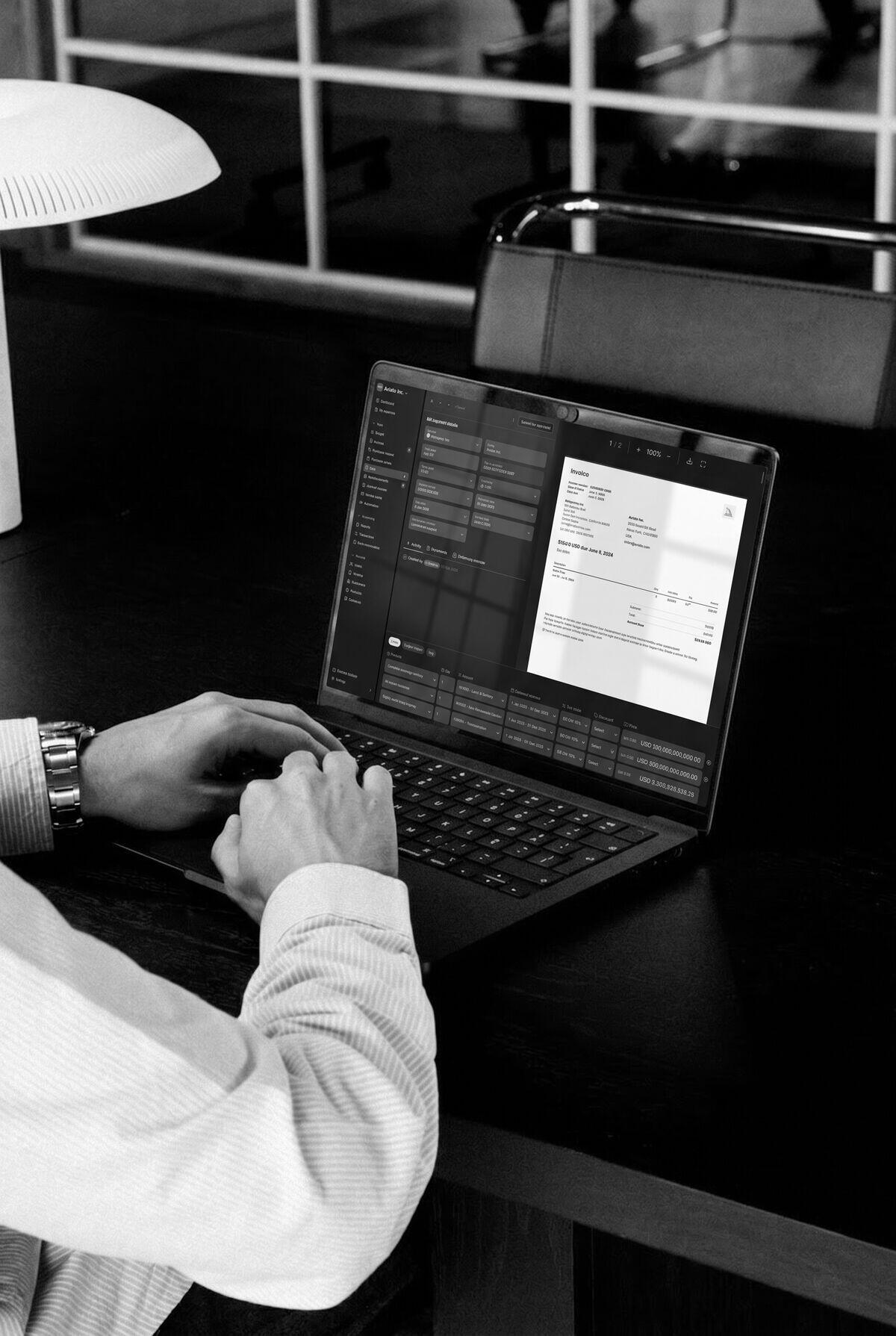
Reading the total on an invoice is only the start. Finance still needs to identify the right entity, check what was purchased, find the approver and make sure the bill reaches the ledger correctly.
That is the standard to apply when choosing accounts payable automation software. Follow a real bill from arrival to reconciliation and watch where someone still has to step in. Establish whether the proposed system also handles payment, or hands that work to another tool.
If the team has not yet located the delay, start with Accounts payable and receivable bottlenecks: fixes. It separates missing information, approval waits and payment failures before you choose what to automate.
What happens between receiving an invoice and paying it?
| Stage | What needs to happen | What to inspect |
|---|---|---|
| Capture | Read the document and retain its source | Extracted fields, duplicate checks and unreadable documents |
| Code | Identify the supplier, entity and accounting treatment | Proposed account, tax treatment and supporting rules |
| Match | Compare the invoice with the relevant purchasing records | Matching basis, tolerances and receiving evidence |
| Approve | Route the cost to someone with the right authority | Context, limits, delegation and changes after approval |
| Pay | Release the authorised payment | Bank-detail controls and rejected or returned payments |
| Reconcile | Connect settlement with the bill and ledger | Fees, partial payments and unresolved balances |
During a demo, follow the same document across those stages. A capture tool, an AP application and a shared finance platform may each handle a different portion. Record the work that remains with the team and the connections that someone must maintain.
For payment reconciliation, check that a status of “sent” means what the team expects. It may describe a payment instruction rather than confirmed settlement.
Which invoices should you bring to a pilot?
Choose a representative batch with sensitive details removed, then agree the expected treatment before running it. Include:
- A multi-line invoice with more than one department or service period.
- A credit note and a potential duplicate.
- A poor scan with fields that need review.
- A bill addressed to another legal entity.
- A purchase without a PO, and one with a partial delivery.
Inspect the proposed supplier, entity, account and tax treatment. Getting the total right while selecting the wrong entity still creates a problem in the books. Correct a field and follow the change through approval and posting.
Measure field corrections and active review time separately. A useful suggestion can save work even when a person checks it. A high extraction rate can disappoint if investigating each result takes longer than the original process.
What should matching and approval prove?
Ask the product to show what it compared and why it accepted or flagged a difference. An invoice that matches the PO amount does not establish that all the goods arrived. The three way matching guide explains receiving evidence and partial deliveries.
An approver needs the source document, the purpose of the cost and any discrepancy that affects the decision. Test what happens when that person is absent and when the invoice changes after approval. Missing information should reach a named reviewer with a next action.
Keep cost approval and payment release explicit. Approving an invoice should not automatically give someone permission to change supplier bank details or release money. Test independent handling of bank-detail changes, approval limits, delegation and visibility of failed payments.
The accounting workflow guide provides an example of routing rules and exception ownership that can support this process.
How should you roll out AP automation?
Start with a defined group of invoices and name the people responsible for coding, approval, payment and exceptions. Record which system owns supplier details, which one posts the bill and how payment status returns to finance. Test those handoffs as part of the pilot.
Before expanding the rollout:
- Train approvers using the invoices and exceptions they will handle, including a missing purchase order and a changed amount.
- Agree how the team will work while an integration is unavailable, then check that recovery does not create duplicate bills or payments.
- Document who maintains approval routes and who covers an absent reviewer.
- Compare handling time, corrections and overdue exceptions with the starting position.
Use those results to decide what to change before adding more invoices or entities. A successful extraction test alone does not establish that the approval and payment process is ready.
How does Light connect the supplier workflow?
Light's bill payment software connects document capture, coding, approvals and payment with the ledger. Approvers can work in Slack or Teams. Evaluate the connection by following a real bill and its approval history to the accounting record.
The team's invoice-reading engineering article explains the distinction between extracting invoice data and deciding how to book it. Both deserve attention during a pilot: inspect the extracted fields and the proposed accounting treatment.
If you plan to keep your current ledger, compare an integrated AP tool on its handling of corrections, credit notes and failed syncs. The decision depends on the handoffs the proposed setup removes and the work it leaves behind.
How will you know whether the change worked?
Compare similar categories of bills over a complete month. Track handling time per bill, correction rate, time awaiting approval, duplicate payments and overdue balances. Include time spent maintaining rules and resolving integration failures.
Customer billing is a separate workflow. It starts from commercial terms, usage or an approved order, and needs tests for amendments, credits and billing dates. Use the accounts receivable automation guide for that evaluation. Customer revenue figures cannot establish the return on a supplier-invoice project.
For workflows with local approvers, explore accounting software for care homes and accounting software for manufacturing businesses. Both connect supplier bills with the site or plant behind the cost.